
Podcast for Homeowners Preparing to Renovate

Top 5%
RANKED PODCAST
LISTEN ON APPLE PODCAST

LISTEN ON SPOTIFY

10: How to Create Your Own Kitchen Layout Without a Designer
You Don’t Have to “Wing It”: How to Create a Layout for Your Remodel (Even Without a Designer)
One of the biggest misconceptions I see homeowners carry into a remodel is this:
“I have to hire a designer or architect to do drawings — I can’t do that myself.”
And because of that belief, a lot of homeowners skip the layout and drafting step entirely.
They manage the project themselves…
They make decisions as they go…
They rely on verbal explanations and rough ideas…
And then they wonder why the project drags on, goes over budget, or feels chaotic.
In this episode of Preparing for Your Home Remodel, I want to show you something important:
👉 You can do more on the layout and planning side than you probably realize — and doing so can save you time, money, and stress.
Why Remodels Run Long (And It’s Not Just the Contractor)
I recently spoke with a homeowner whose bathroom renovation was supposed to take seven weeks.
It turned into four months.
That story is not rare.
Most remodel delays don’t happen because contractors are slow —
they happen because decisions weren’t made ahead of time.
When layouts aren’t clear:
Crews stop and wait for answers
Materials get delayed
Decisions are rushed mid-construction
Costs creep up
But when you spend time planning before construction starts, the build phase moves faster, smoother, and with far fewer surprises.
Need Help With Your Remodel?

Book Your 1 hour Design Consultation
Your Customized Plan So You Can Renovate With Clarity and Confidence
Why Layouts Matter (Even for “Small” Remodels)
When people hear “drafting” or “plans,” they picture massive renovations with walls moving everywhere.
But layouts matter just as much for:
Kitchen updates
Bathroom remodels
Laundry rooms
Even cosmetic renovations
A layout is how you:
Communicate clearly with contractors
Visualize your space before committing
Catch problems before they’re built
It’s one thing to imagine a space.
It’s another thing to see it — with real dimensions — in front of you.
What I Don’t Mean by “Drafting”
Let me be very clear.
I am not saying:
You’re creating permit-ready plans
You’re replacing an architect
You’re handing contractors exact construction drawings
What we’re talking about here is:
✔️ A general 3D layout
✔️ A visual roadmap
✔️ A way to explore options and flow
Think of it as a communication and clarity tool, not a legal document.
Step One: Take Accurate Measurements
Before anything gets drawn, you need good information.
At minimum, you want to measure:
All wall lengths (the full perimeter of the room)
Ceiling height (don’t assume — measure it)
Window sizes and placement
Door widths and heights
Distance from windows and doors to adjacent walls
And don’t forget:
Window height from the floor
Trim thickness (or note if trim is being replaced)
Existing plumbing and electrical locations
Even if you plan to move things, knowing where they are now helps you understand what’s possible — and what might save money.
Step Two: Start With Function, Not Cabinets
Before you draft anything, you need to know how the space should work.
This ties directly back to the function audit I talked about in the previous episode.
Ask yourself:
How do I move through this space?
Where do groceries land?
Where do I prep, cook, clean, fold, get ready?
What frustrates me today?
I often recommend starting with a bubble diagram — literally sketching rough shapes on paper:
Fridge here
Sink here
Prep space here
Storage here
This isn’t about perfection — it’s about flow.
LISTEN ON APPLE PODCAST

LISTEN ON SPOTIFY
Step Three: Create a 3D Layout (Yes, You Can)
This is where I want to empower you.
You can draft your own layout — and one of the best tools for homeowners is SketchUp.
Here’s why I recommend it:
There’s a free version
You can save your drawings
You can move things around easily
There’s a library of cabinets, appliances, and fixtures
You can draw custom elements if needed
Unlike many “plug-and-play” layout tools, SketchUp lets you:
Revisit your design
Explore alternatives
Adjust as your thinking evolves
And trust me — even as a professional, I rely on 3D drawings because ideas don’t always translate the way we expect them to until we see them in scale.
A Pro Tip That Will Save You Hours of Frustration
When drafting in SketchUp:
👉 Group everything.
Group your walls.
Group your cabinets.
Group your fixtures.
If you don’t, when you move one thing — everything moves.
Ask me how I know. 😅
This one habit alone will save you from starting over more times than you’d like.
What If You Don’t Want to Draft Yourself?
That’s okay too.
You have options:
Hire someone just to draft your measurements
Use architectural plans as a base and convert them to 3D
Outsource photo-realistic renderings once the layout is set
Even if you bring in help later, starting with your own layout gives you clarity and control.
Why This Step Matters So Much
When you create a layout:
Contractors know exactly what you want
You have documentation to reference
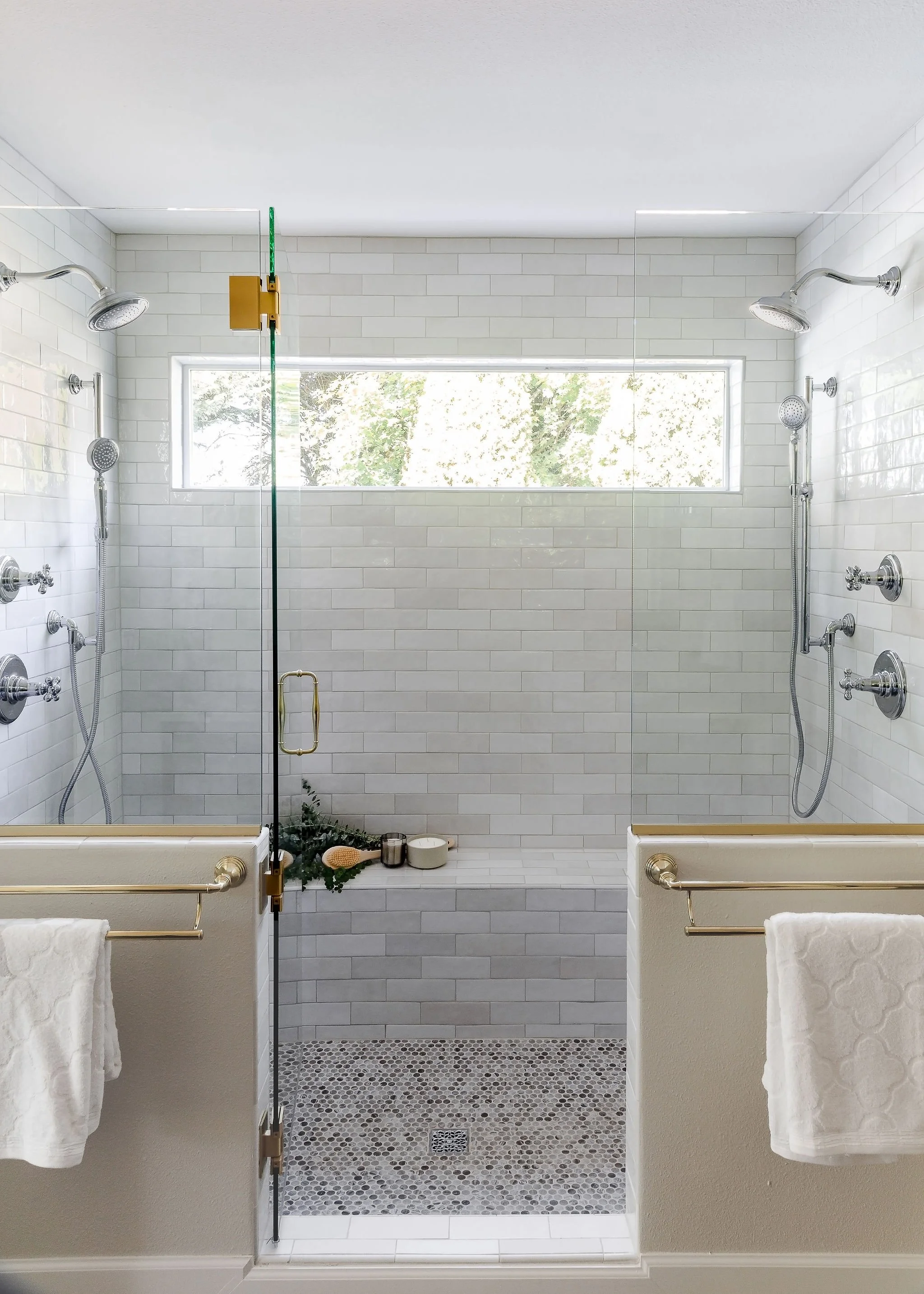
Tile directions, fixtures, and materials are clear
“He said / she said” confusion disappears
This layout becomes the backbone for:
Finish selections
Fixture locations
Contractor communication
Decision-making
It’s one of the strongest tools you have to protect your investment.
The Takeaway
You don’t have to:
Wing it
Rush into construction
Hope it all works out
With a little time upfront, you can:
✔️ Plan intentionally
✔️ Communicate clearly
✔️ Keep your remodel on time and on budget
🎧 In this episode of Preparing for Your Home Remodel, I walk you through exactly how to start creating a layout for your space — even if you’re managing the project yourself.
Next Episode
LISTEN ON APPLE PODCAST
LISTEN ON SPOTIFY